Thread Editor
The Thread Editor is the central tool within BlackTwist for composing and managing your social media posts and threads across supported platforms. It offers a flexible and intuitive interface to streamline your publishing workflow.
Create a New Post
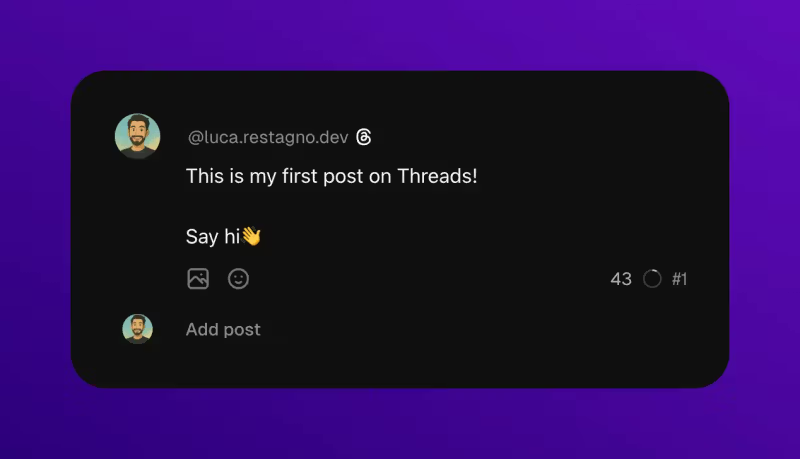
You can create a new post directly in the editor. This can be a standalone post or the starting point of a thread.
Automatic Draft Saving
As soon as you start typing in the editor, your post is automatically saved as a draft.
Add to a Thread
To continue a thread, you can append additional posts beneath the first. This allows you to structure multi-part content with ease.
Media Uploads
Threads
When writing for Threads, you can upload up to 20 media files per thread, including a mix of images and videos.
Bluesky
When writing for Bluesky, media limits differ: 1 video or up to 4 images per post.
Insert Emojis
You can insert emojis into your content using the colon format. For example, typing :smile displays the corresponding emoji.
Reorder Posts
Posts within a thread can be reordered using drag and drop functionality.
Mobile Preview
The editor includes a mobile preview feature for viewing how content appears on popular mobile devices.
Posts divider
You can use the divider --- on a new line to create a new post. It works also if you paste a thread from a file, Notion, Apple Notes, and others.
Publishing Options
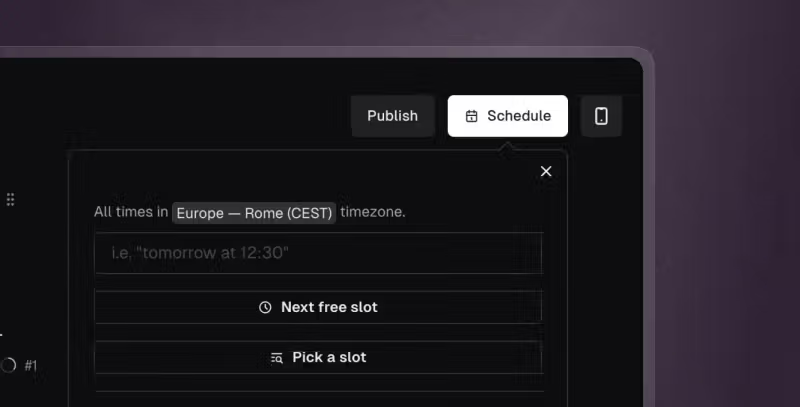
Once content is ready, you can keep it as a draft, publish immediately, or schedule it for a future date and time.